










Create a personalised letter from Santa Claus (FREE)
Add the child’s details, choose your favourite festive background and create a magical letter from Santa to print or download.
Before you start:
- For best results, use this tool on a desktop PC or Mac with a connected printer.
- Choose a background, add the child’s details, then click Preview Letter.
- Once you are happy with it, click Download Letter (PNG) to save it to your device.
- This free tool is still being improved, so we recommend checking the preview carefully before printing.
1. Choose Your Letter Background
Select your favourite festive design below. The red border shows your current choice.
Classic

From the Desk

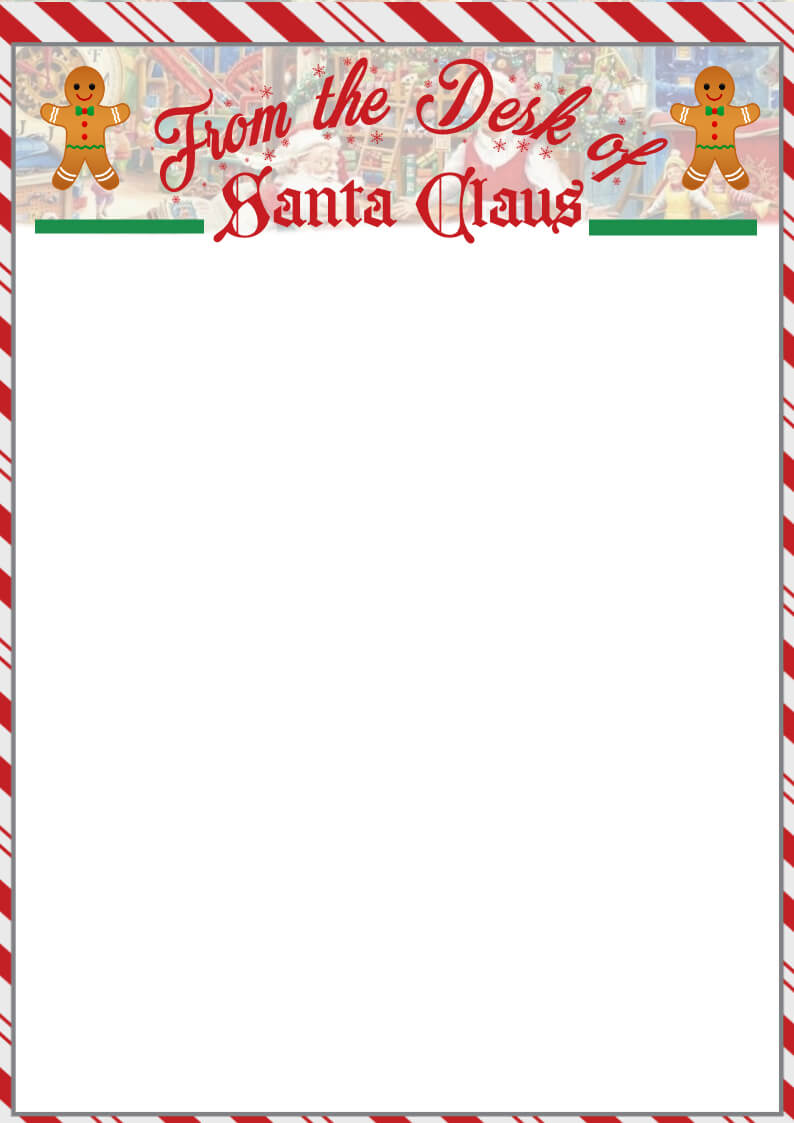
Gingerbread
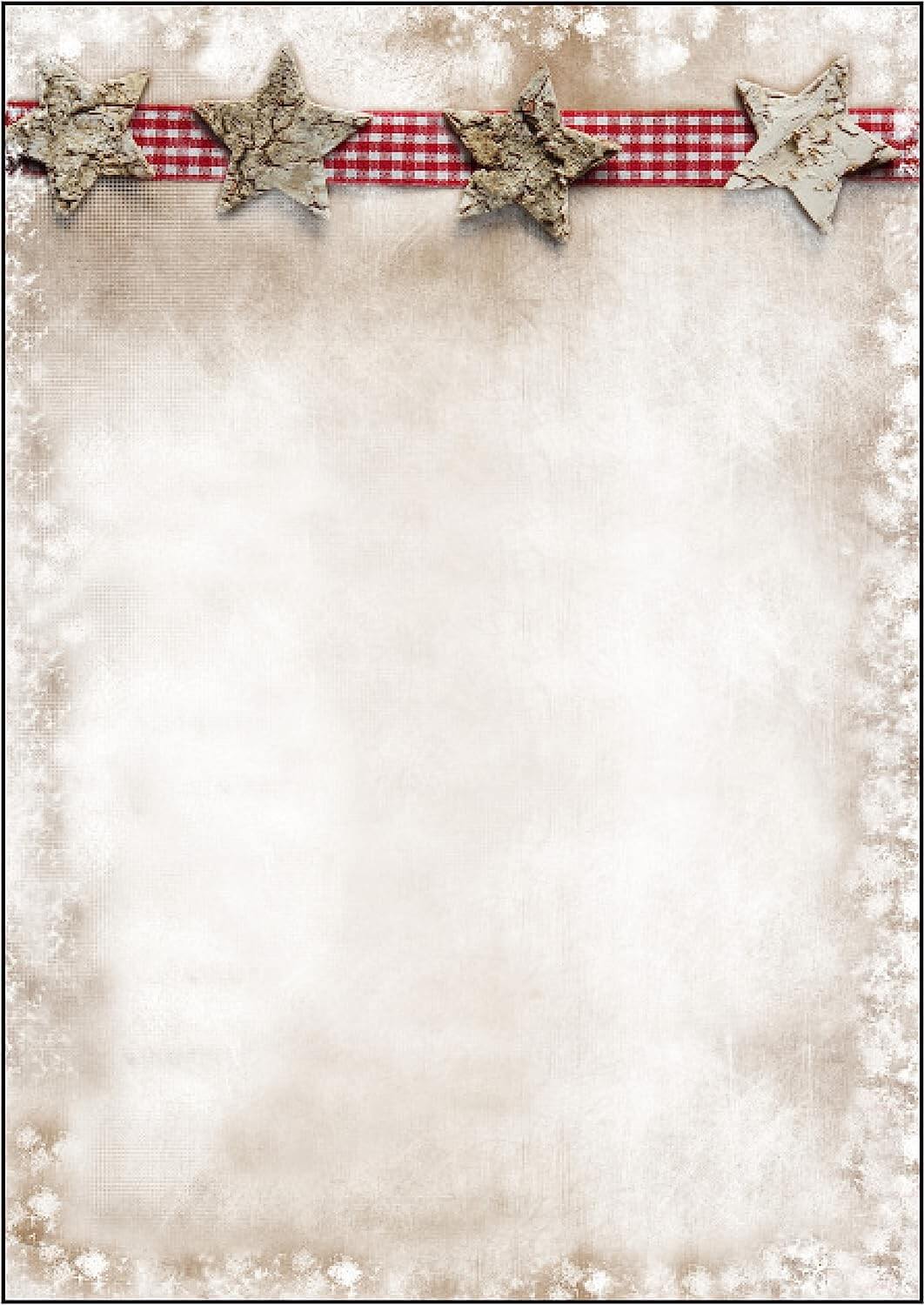
Rustic Stars
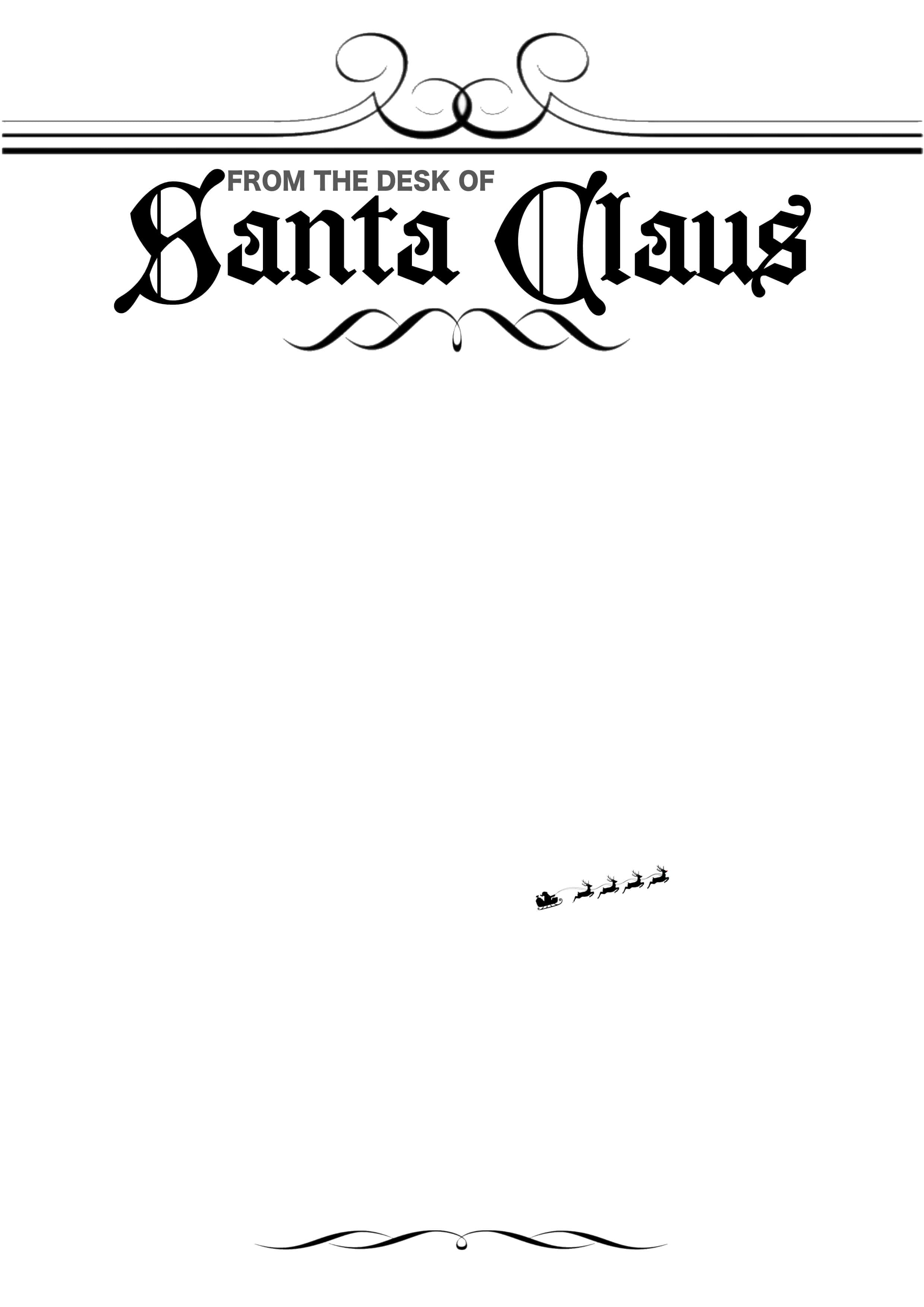
Decorative Desk
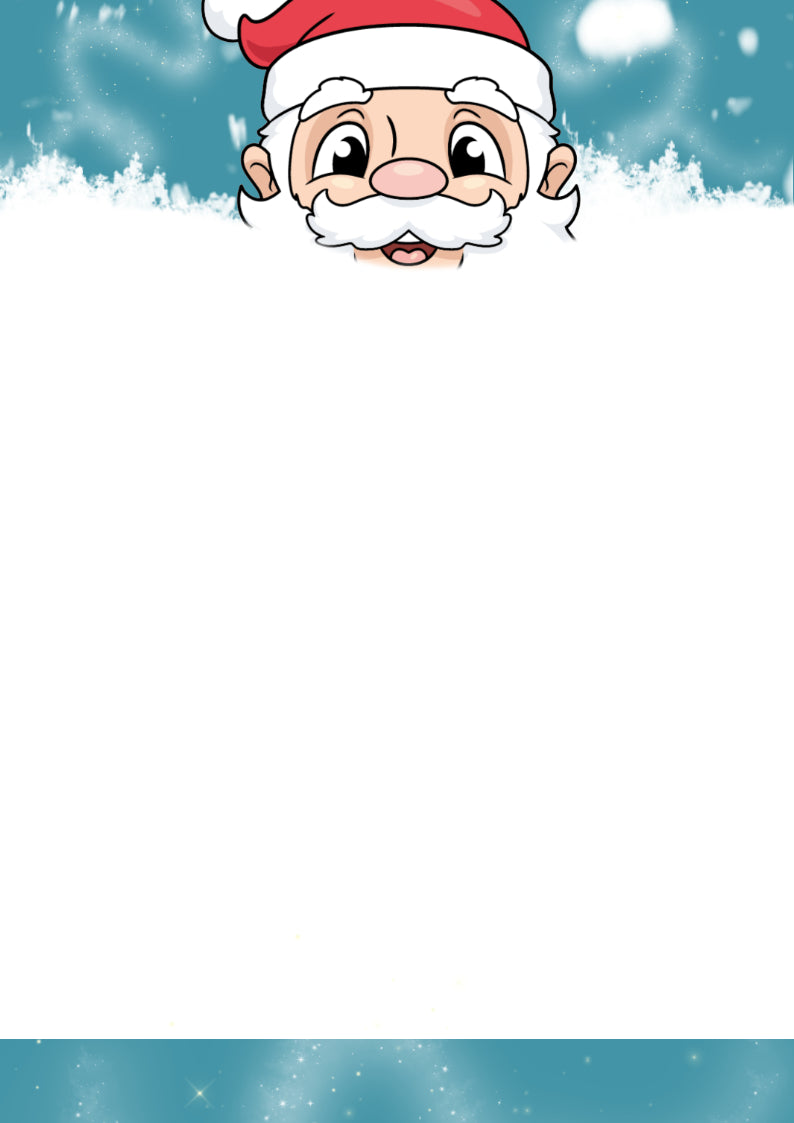
Snowy Santa

Santa Peek

From Santa
2. Add the Child’s Details
Add a few personal details to make the letter feel extra special.
3. Preview Your Letter
Your letter will appear below after you click Preview Letter. On mobile, you may need to scroll across slightly to view the full design.
Santa Claus
123 Elf Road
North Pole
123 Elf Road
North Pole
Dear ,
P.S.
With lots of love and Christmas cheer,